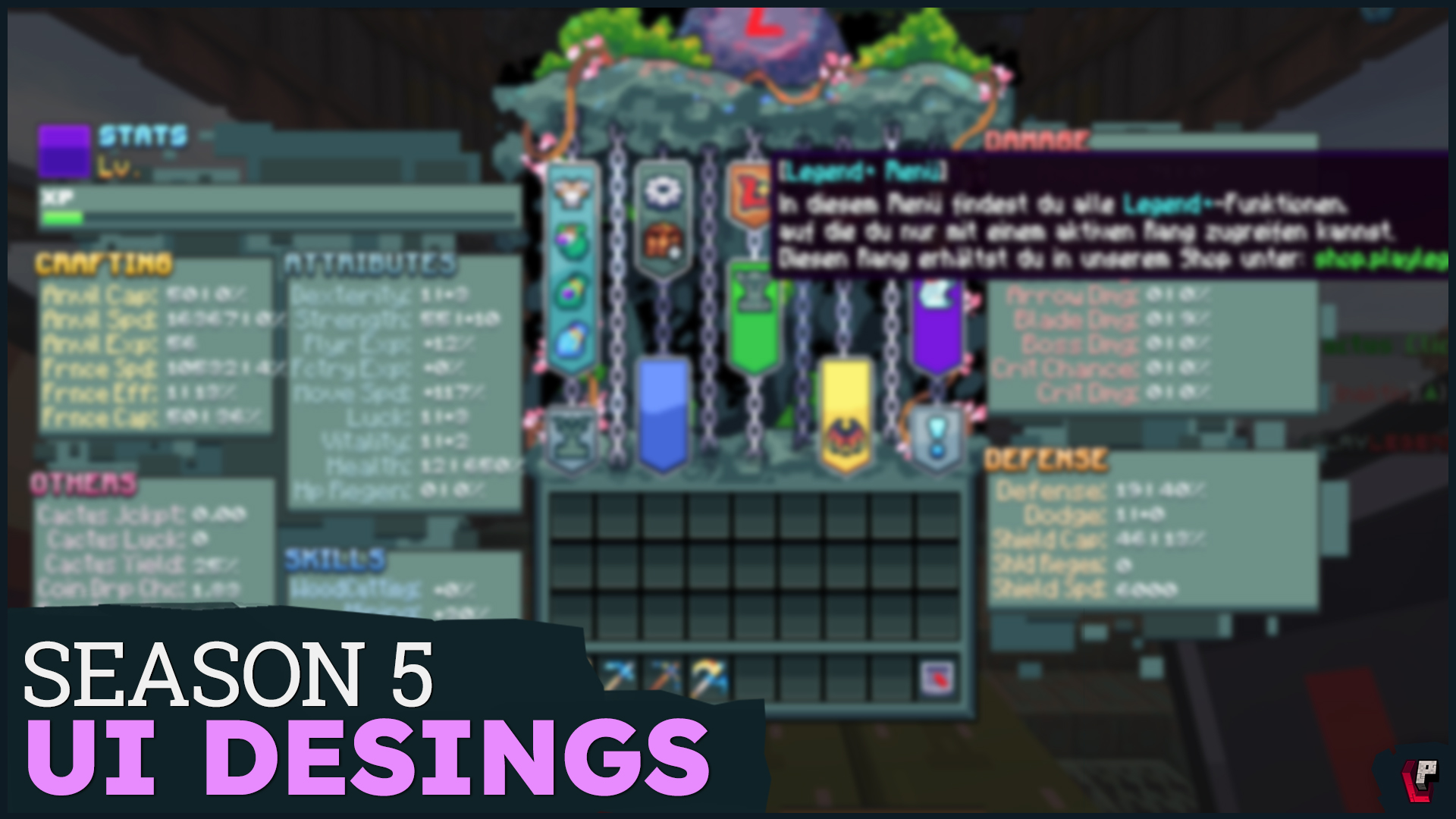
With the latest update, we’re taking a big step toward our own design: We’re gradually moving away from the classic Minecraft menu and introducing custom-designed, modern user interfaces – known as Custom UIs.
✨A unified look – from the Factory to the Researcher
What you’ll notice right away is the new main menu. Whether you’re in the Factory, with the Researcher, or interacting with other NPCs – the interfaces now have a cohesive feel: clearly structured, uniquely designed, and fully tailored to Cactus Clicker.
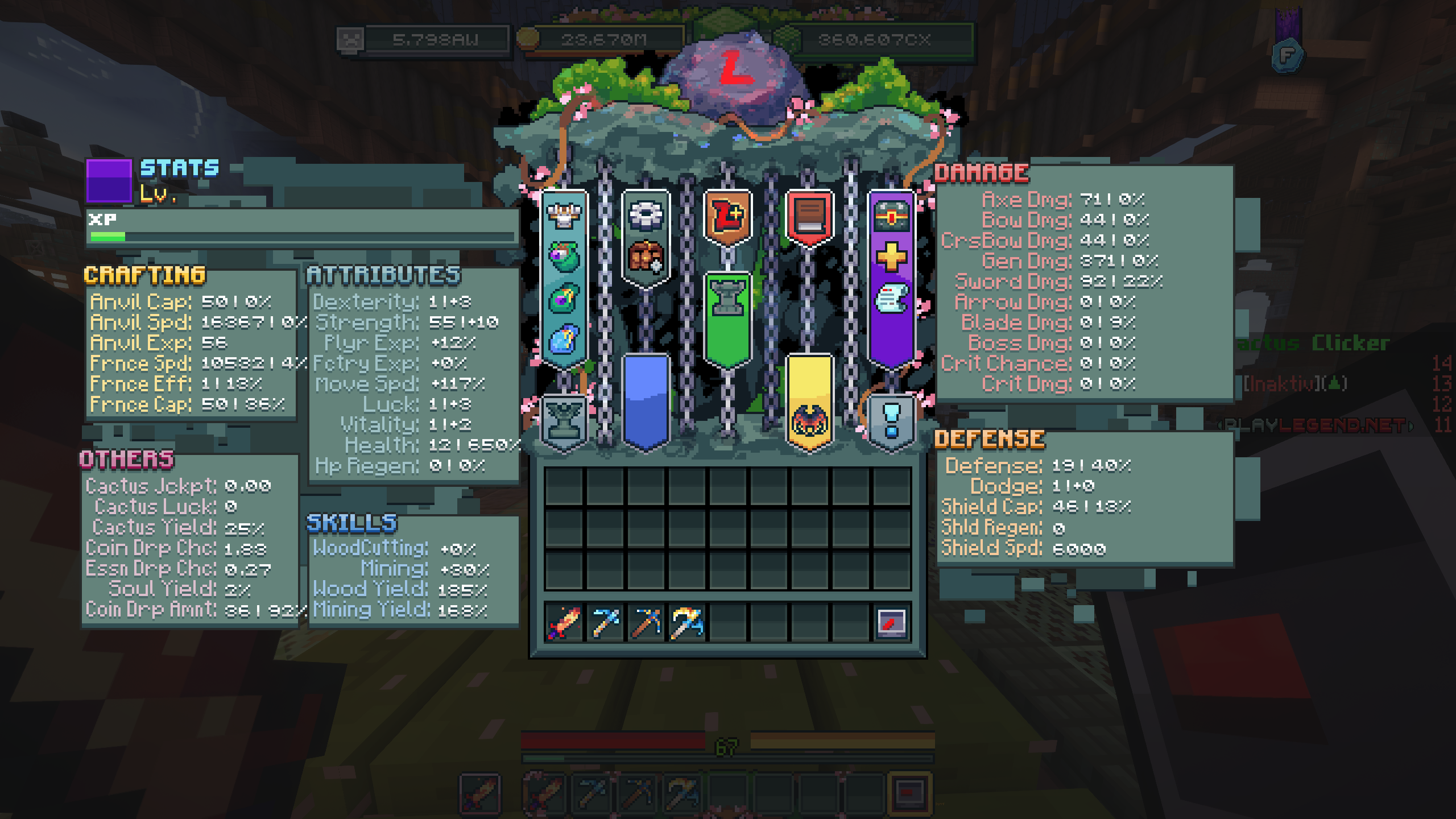
📦Statue overview with icons & community voting
The new statue UI is designed like a shelf. We let you vote for the design on Discord: You had the choice between a warm wooden tone and a stony green – and your decision shaped the final look!
Also: Every statue now has its own icon. That means you can instantly spot, for example, the Axe Statue and immediately see what level it’s on.
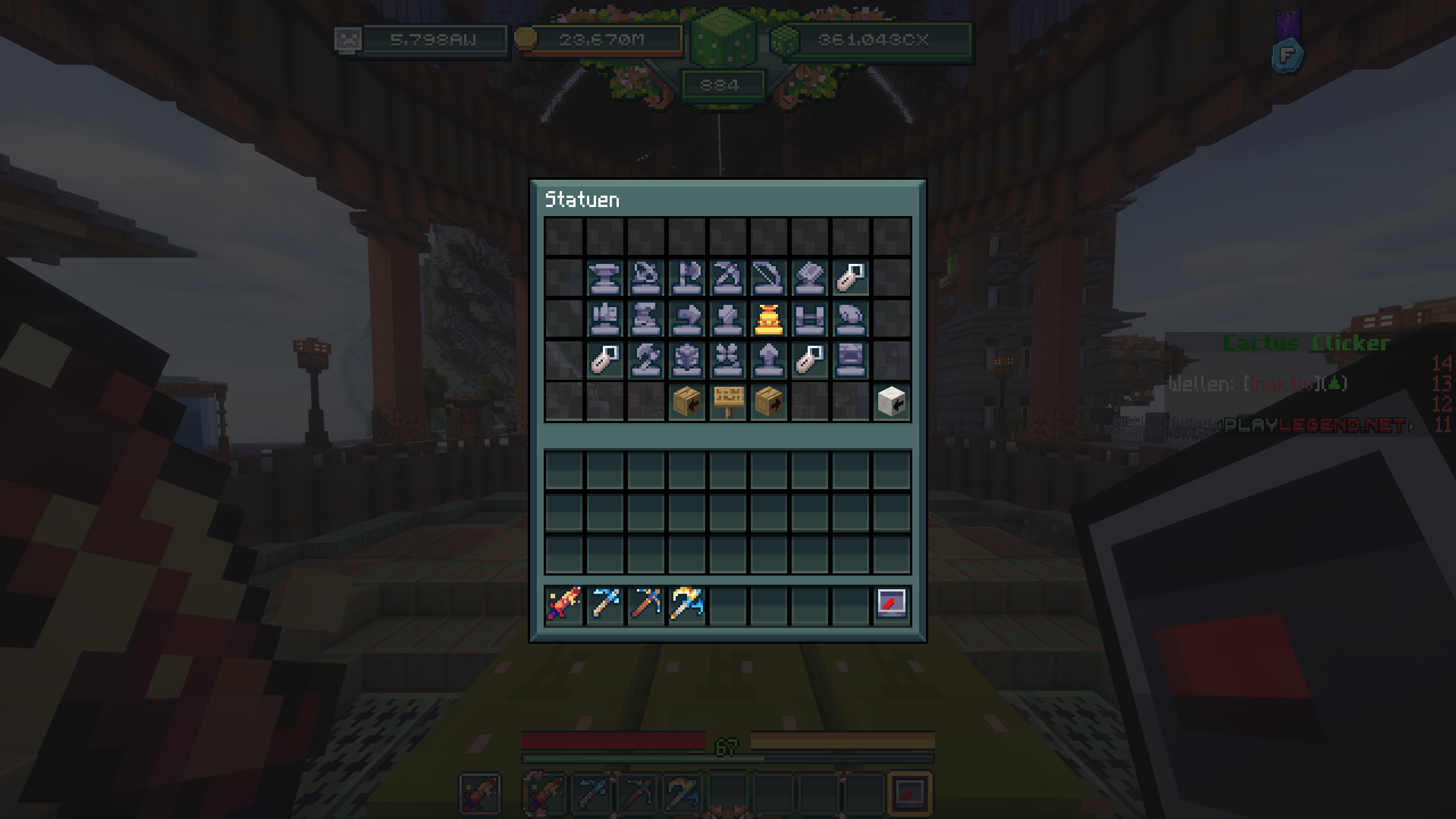
🌵New UI for the Cactus Farm
The Cactus Farm has also received a fresh new interface. In the center, you’ll see your current tier level, with all key functions clearly displayed around it. The prestige button is still a bit hard to spot at the moment – but don’t worry: a visual update for that is already in the works.
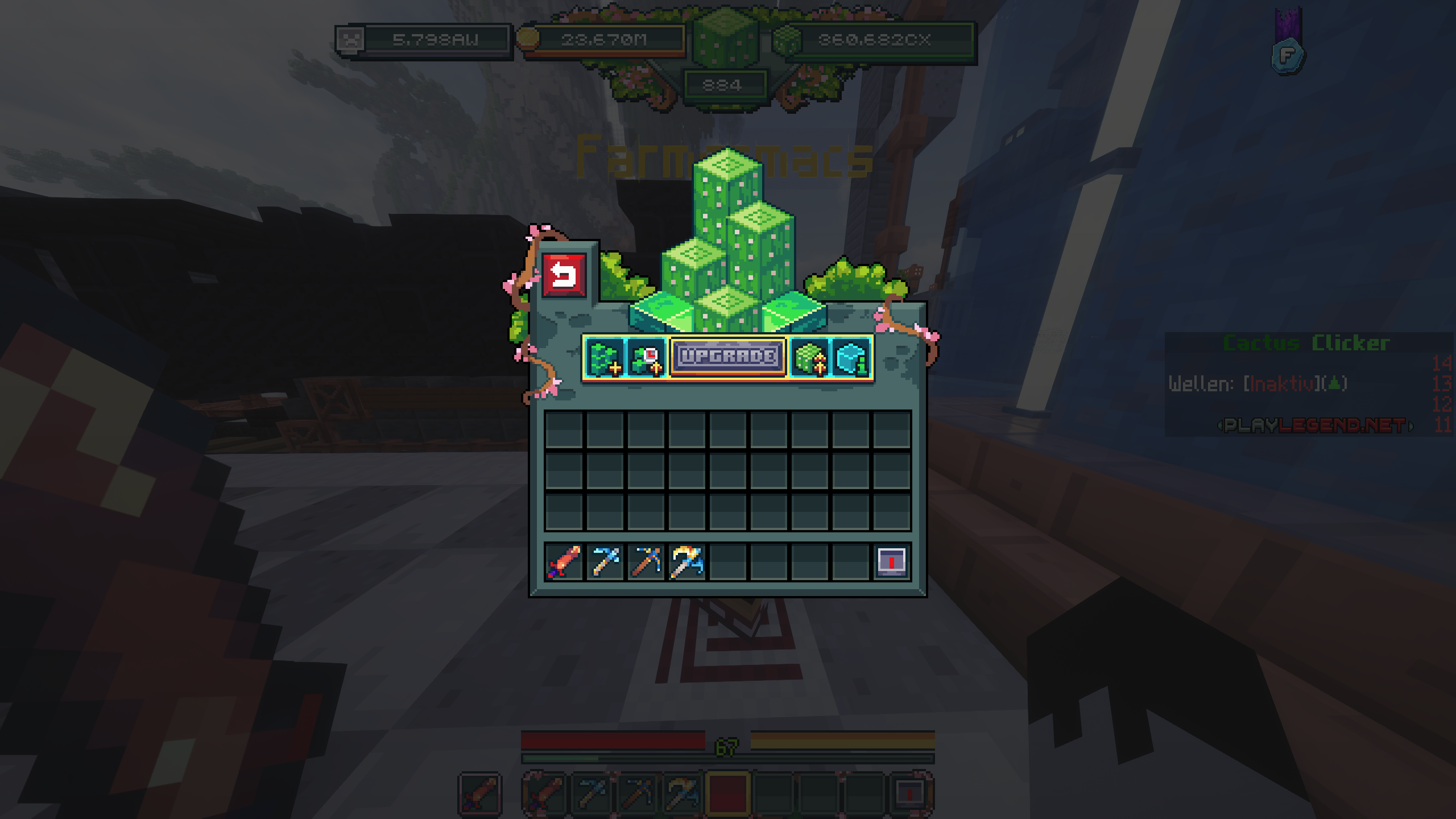
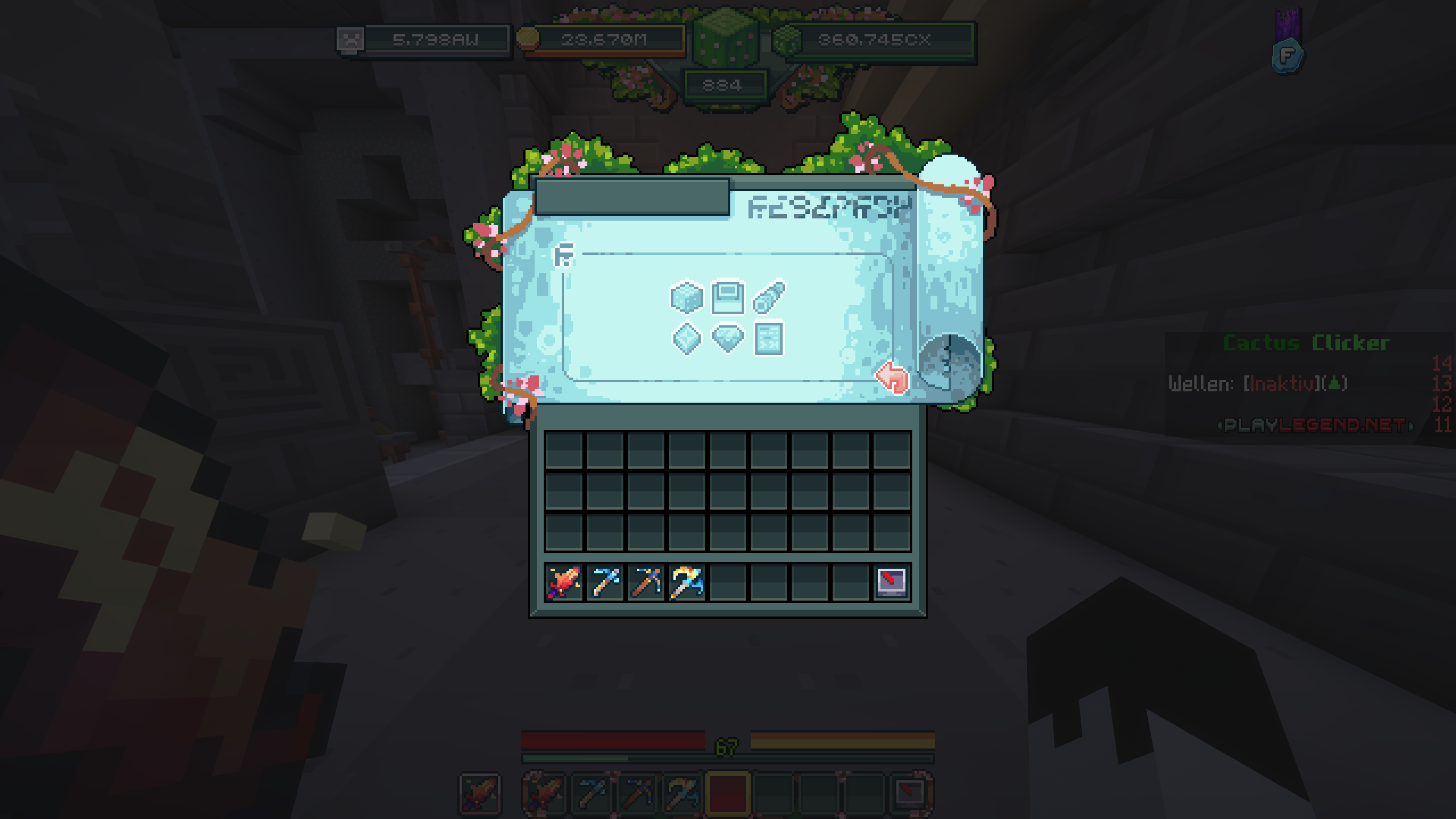
🔬Researcher Menu – Completely Reimagined
The entire Researcher menu has been redesigned:
Top: Current research projects (e.g. Cactus)
Bottom: Runes to upgrade things like the Tower or Bridge
Right: Power Crystal slots
Left: Research queue with locks (if not yet unlocked)
Everything is now clear, visually intuitive, and much easier to use!
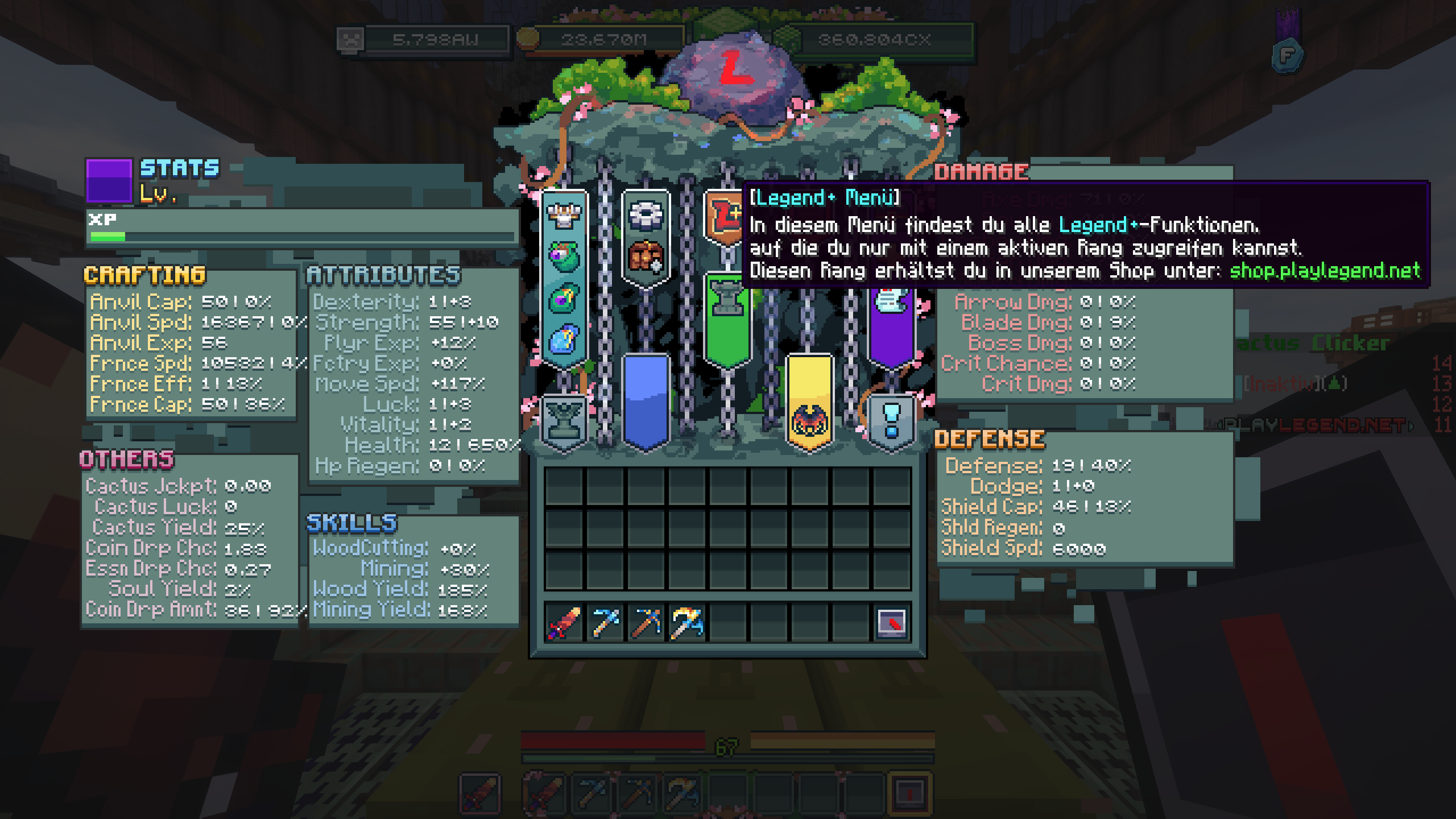
💎Legend Plus Features: More Convenience for Supporters
All players with the Legend+ rank now have access to a brand-new, exclusive menu. It allows you to:
Collect all containers with a single click (as long as enough kills have been made – full AFK play is still prevented)
And this is just the beginning: More Legend+ features are already in the works and coming soon!
📸Now it’s your turn!
We’ve designed a whole range of new UIs – and some of them are already live on the server!
👉 Check out the screenshots below to get a first impression.
We’re looking forward to your feedback and can’t wait to hear what you think of the new UI experience!

